 ASysT Rendering
 Create, see and navigate your SysML v2 models
ASysT Rendering is a SysML v2 viewer and layouter with a Pre-alpha Modeler that lives in your browser — install it as a VS Code extension or download the standalone Windows x64 or Linux x64 app. Local-first. Plain-text models. Explicit, validated changes. Open a model, apply supported visual edits, or change an exact declaration while Git keeps durable history.

What ASysT Rendering can do
Try the Pre-alpha Modeler, arrange the system's views, then move through them.
✎Model · Pre-alpha
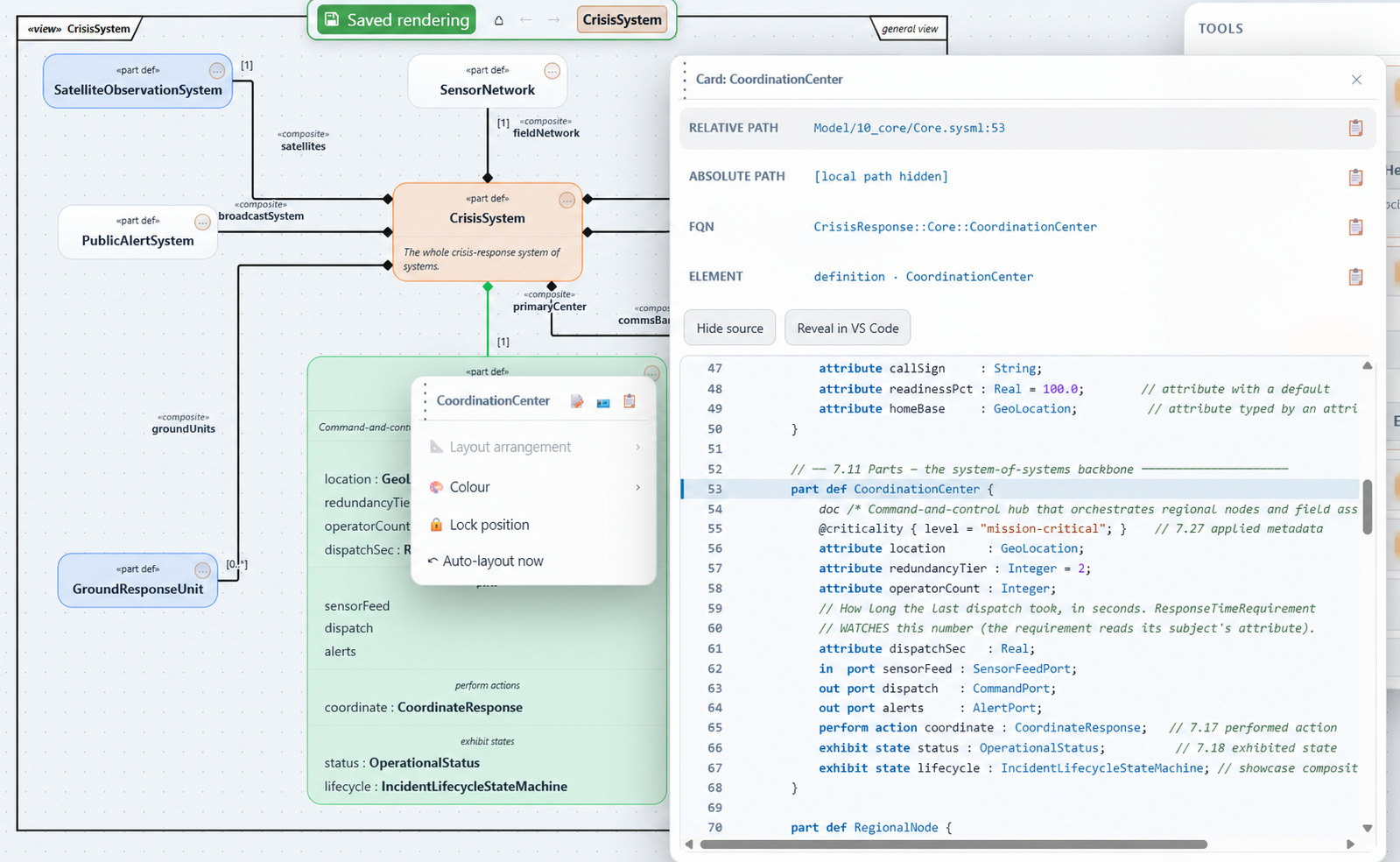
Open a model, add supported elements and relations, or edit an exact source declaration. ASysT validates the complete model and then writes the change for you — there is no Save button and nothing is left unsaved.
⊞Arrange
A layout pipeline — placement, spacing, orthogonal connection routing, frames — plus named renderings you save per diagram and reopen exactly as you left them. You compose the picture; presentation remains separate from semantic source.
⊕Navigate
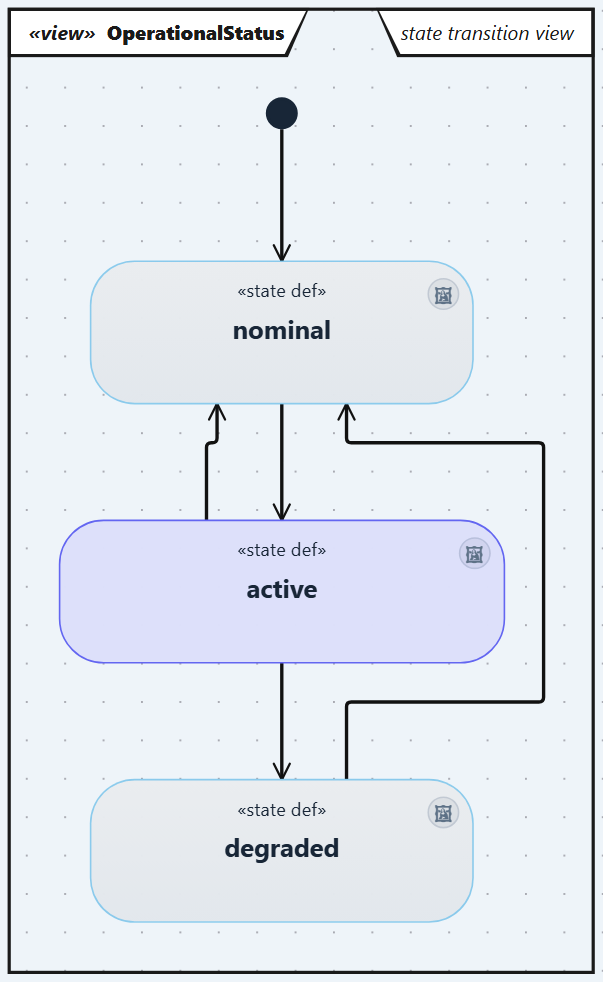
Open a model, drill into any part, walk definitions, usages, states and flows with breadcrumbs and Back/Forward — the whole model, across files, package-first.
How ASysT Rendering does it
Local, guarded and nothing to deploy.
🔒Your model changes are validated
Only an explicit Modeler or Source Card action may change .sysml. ASysT detects
stale revisions, validates a staged copy of the complete model through the language server,
then replaces the source atomically. Failed changes leave the original file untouched.
💻Local-first, privacy-controlled
Your model and private customer data stay on your machine. ASysT never sends model or source content, model elements or names, paths, diagnostic messages, stack traces, or logs. After explicit consent, usage diagnostics may send only fixed product facts such as the standard-view family—not a model element—and coarse error diagnostics may send only a fixed subsystem and error category. Each category has its own switch under the ⚙ Settings menu and both can be turned off at any time.
⚙️Zero-deploy
File-first: install the extension, open a folder with .sysml files, see diagrams. No server to stand up, no project import ceremony.
Current views from the real application
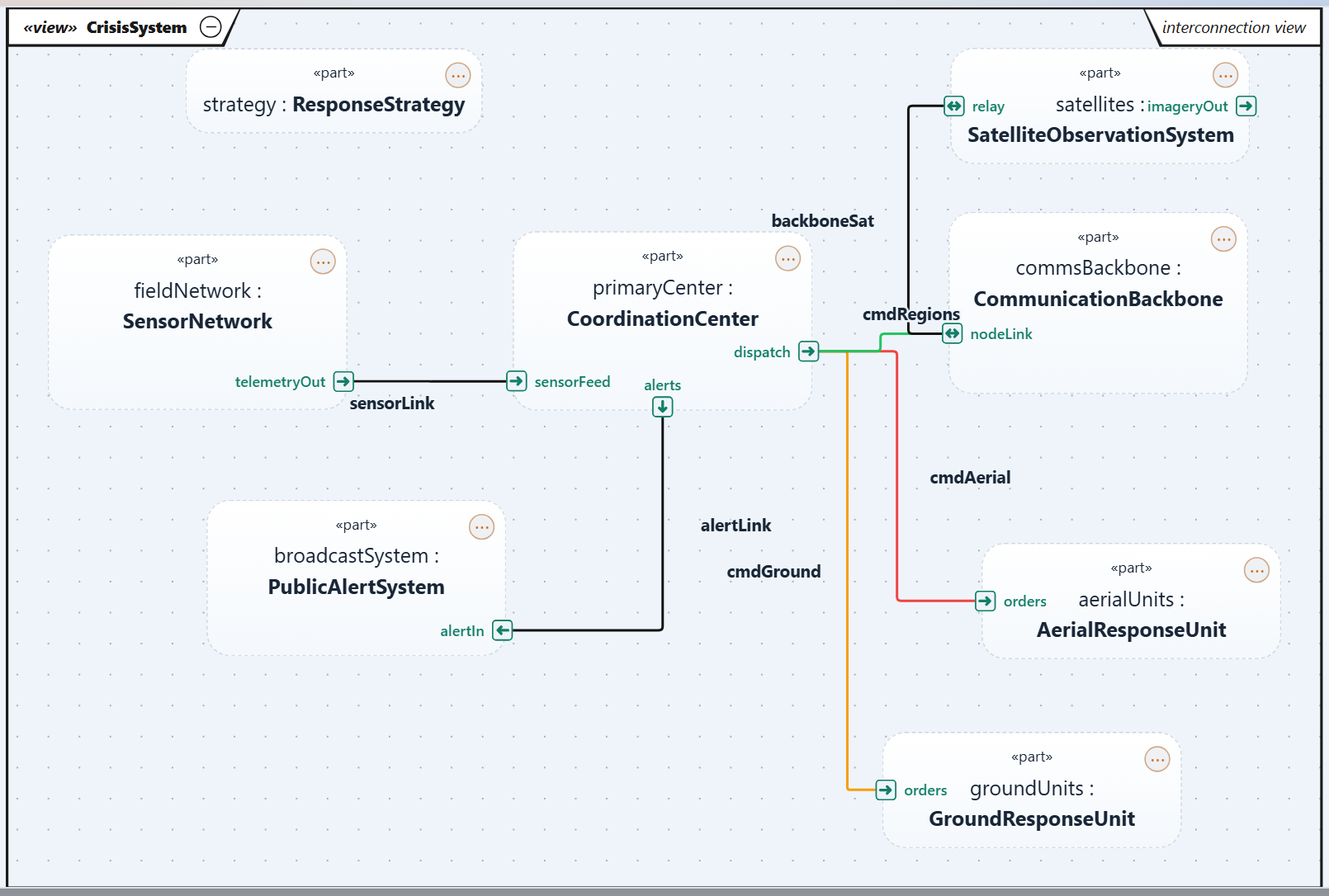
Captured from the bundled CrisisResponse pilot in the current ASysT UI: real saved colours, placement, routing and the latest «view» cartouche.